
How to Copy to Clipboard From Terminal
Want to quickly copy file contents to your system clipboard from the command line? xclip is the tool for you.
Want to quickly copy file contents to your system clipboard from the command line? xclip is the tool for you.

I live on a property that has zero cellular service. This forces me to rely on Wifi for calling, and texting. Only loosely related, but that means when I lose power, I cannot make calls, texts, or use the internet. For that reason, I wrote a separate blog post how I work around this, and still leverage the internet during power outages. I’ve always founds Wifi calling/texting to not be as good as I had hoped. Often, I’d find my phone being unable to make or receive phone calls, or send or receive texts. This would happen without any indication, and I’d only discover that my phone was in this state by realizing I couldn’t initiate texts/calls, or be told by someone that they have been able to call me. While the phone was in this state, the caller would not hear a ring, and eventually just get sent to my voicemail. I’d often see a voicemail notification, but have never once got an indication of an incoming call. ...
When managing multiple servers, it’s important to have a reliable load balancer in place. In many cases, you may want to prioritize one server, using it as the primary, while having a backup server only take over when the primary is unavailable. This approach is called a “preference-based failover.” In this blog post, we’ll go through the steps to configure Caddy as a reverse proxy load balancer with a preference-based approach. The setup will prioritize Server A and switch to Server B only if Server A becomes unreachable, using Caddy’s built-in health checks. ...
I’m a big fan of tiling window managers. Today I use i3, which I happen to have configured to use dmenu, which is an efficient tool for searching across all your applications. I often find myself wanting to add custom applications to dmenu, say a custom script I’ve written, and I’d like to capture how that’s done. Example Desktop File Let’s say you want to add Postman to your dmenu. You’ll need to create a desktop file for it. Here’s an example of what that file might look like: ...

How to run a Python script, but immediately drop into an interactive shell on exit
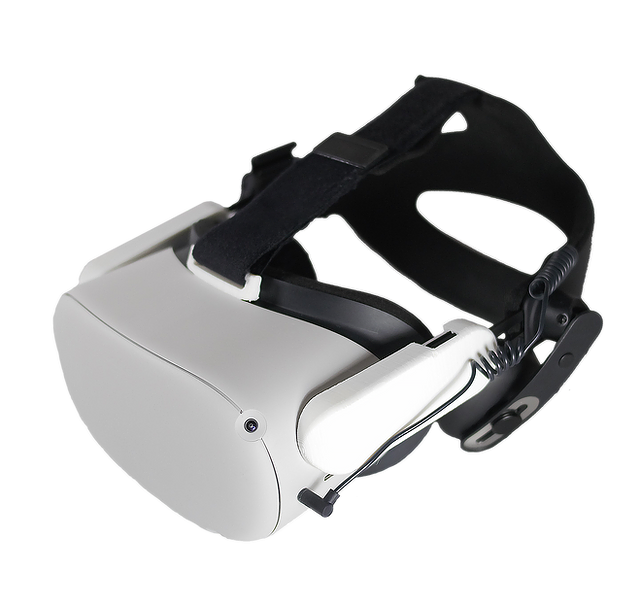
How I supercharged my Quest 2

Simple instructions for a dockerized Pavlov VR self hosted server

Simple approach to getting notified when a program finishes

How to add a custom application to the Pop OS Gnome Launcher so one can launch from the UI.

Simple approach to using Obsidian mobile, Git on Android