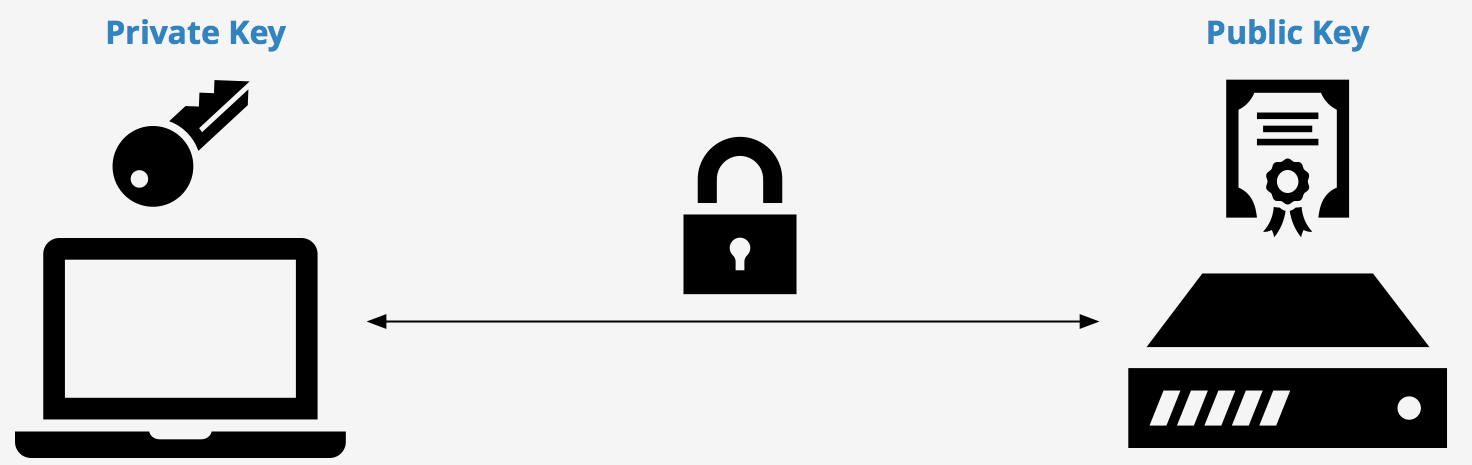
An SSH key is an alternative way to authenticate. Instead of manually typing in a password you have memorized, you may provide a file known as your “private key”. This private key can be thought of like the key to a lock, much like the password to a regular login. In general it is advised to have one key per machine, which makes them easier to roll. Additionally, I’d suggest using ssh config to make things easier, this is a great link.
Steps
-
Generate a new public/private key pair
`$ ssh-keygen -t rsa -C "SOME COMMENT"` You'll experience a similar questionare as below: ``` Enter file in which to save the key (/home/demo/.ssh/id_rsa): Enter passphrase (empty for no passphrase): Output Generating public/private rsa key pair. Enter file in which to save the key (/home/demo/.ssh/id_rsa): Enter passphrase (empty for no passphrase): Enter same passphrase again: Your identification has been saved in /home/demo/.ssh/id_rsa. Your public key has been saved in /home/demo/.ssh/id_rsa.pub. The key fingerprint is: 4a:dd:0a:c6:35:4e:3f:ed:27:38:8c:74:44:4d:93:67 demo@a The key's randomart image is: +--[ RSA 2048]----+ | .oo. | | . o.E | | + . o | | . = = . | | = S = . | | o + = + | | . o + o . | | . o | | | +-----------------+ ``` -
Lock down the default ssh key folder to ensure its safes
$ sudo chmod 700 ~/.ssh
- Lock down the private key to minimal usage
$ chmod 600 ~/.ssh/name-of-private-key
- Lock down the public key, to a more lenient usage
$ chmod 644 ~/.ssh/name-of-public-key.pub
- Send the public key to the server you’d like to authenticate with via SSH key
$ ssh-copy-id -i ~/.ssh/name-of-public-key user@host
To use said SSH key with an existing Github repo cloned locally:
$ ssh -T -o "IdentitiesOnly=yes" -i ~/.ssh/path_to_private_key git@github.com
Then make sure you replace the HTTPS remote with SSH:
$ git remote set-url origin git@github.com:<github-user-name>/<github-repo-name>.git
You can also modify your ~/.ssh/config file, create it if it doesn’t exist and write
Host github.com
        Hostname github.com
        User git
        IdentityFile ~/.ssh/name_of_private_key
        IdentitiesOnly yes
Host homeserver home-server
        HostName 192.168.1.124
        User ghilston
        IdentityFile ~/.ssh/name_of_private_key
You should change the modifications on this file as well
`$ chmod 600 ~/.ssh/config`
You can also send your ssh key remotely by running:
$ ssh-copy-id -f -i ~/.ssh/id_rsa.pub ghilston@192.168.1.124
For more information, see this excellent Digital Ocean tutorial